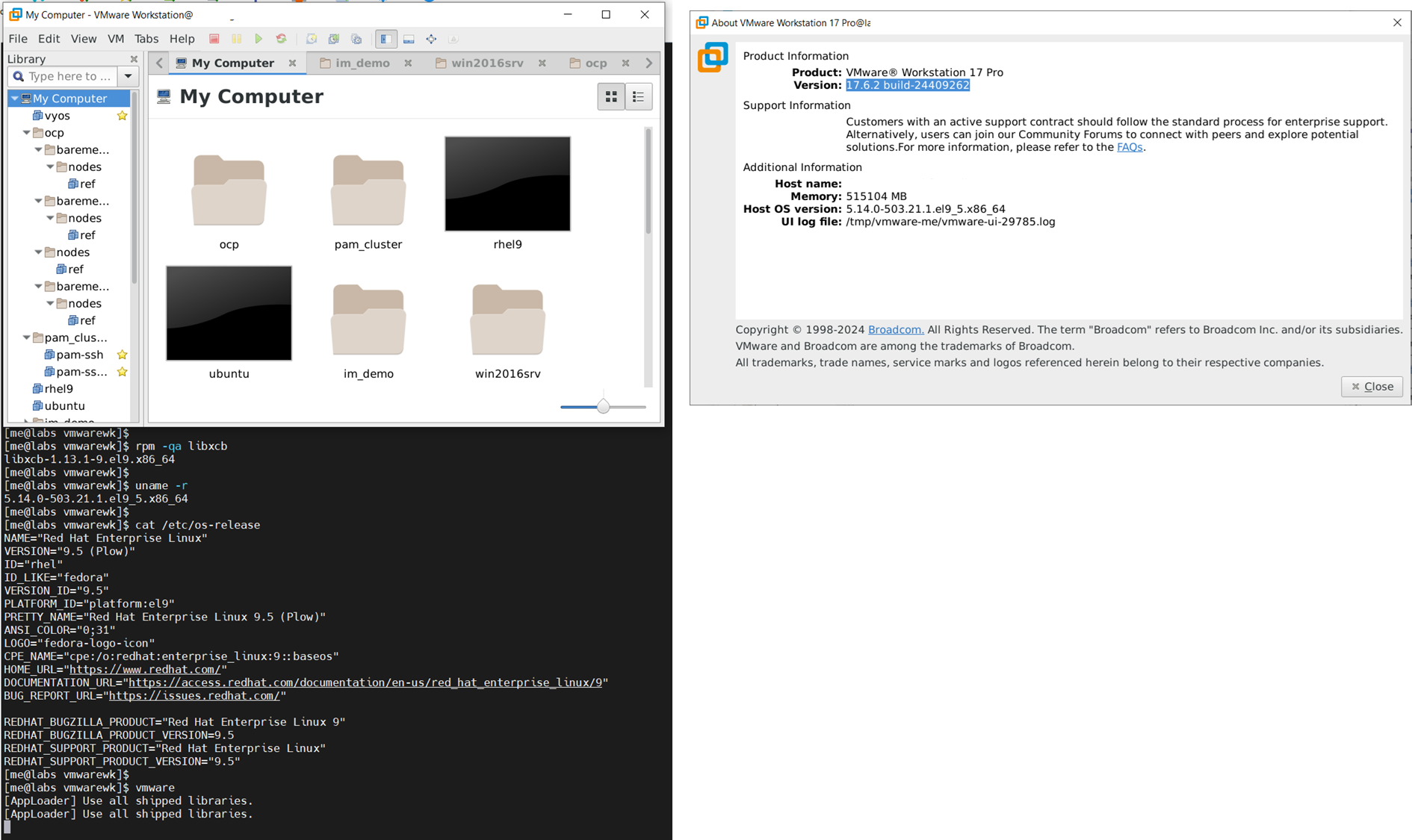
VMware Workstation 17.6.2 appears to install with no issues on Red Hat 9.5. However, we do see an issue with running the GUI of vmware with an embedded library file within VMware Workstation. We see an error message when running the vmware binary regarding the library of libxcb.
Lets walk through the installation and recreate this issue.
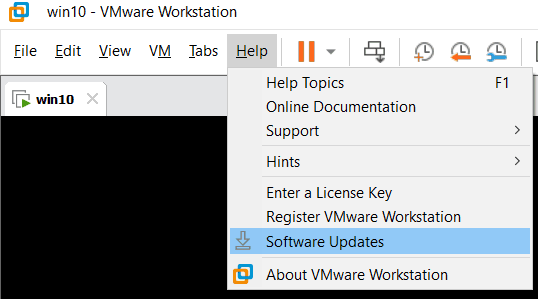
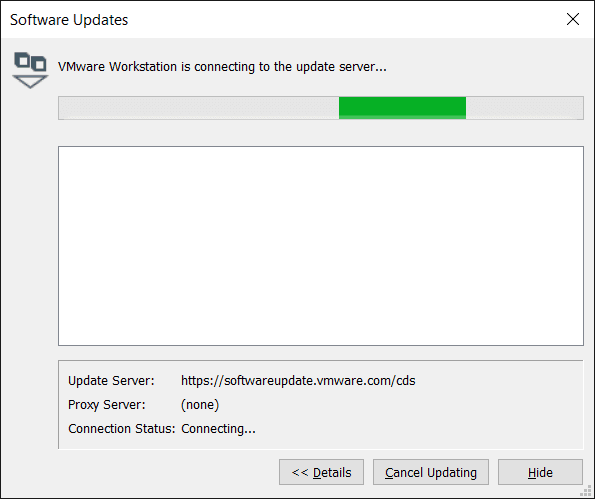
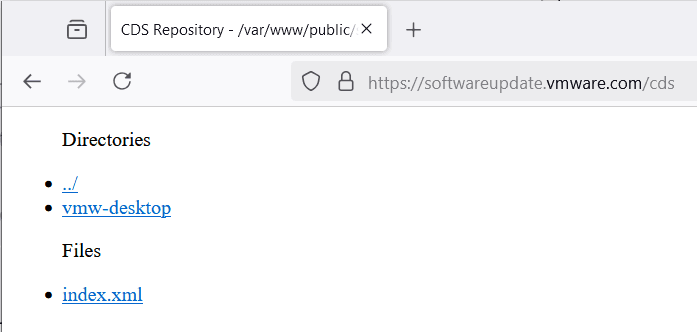
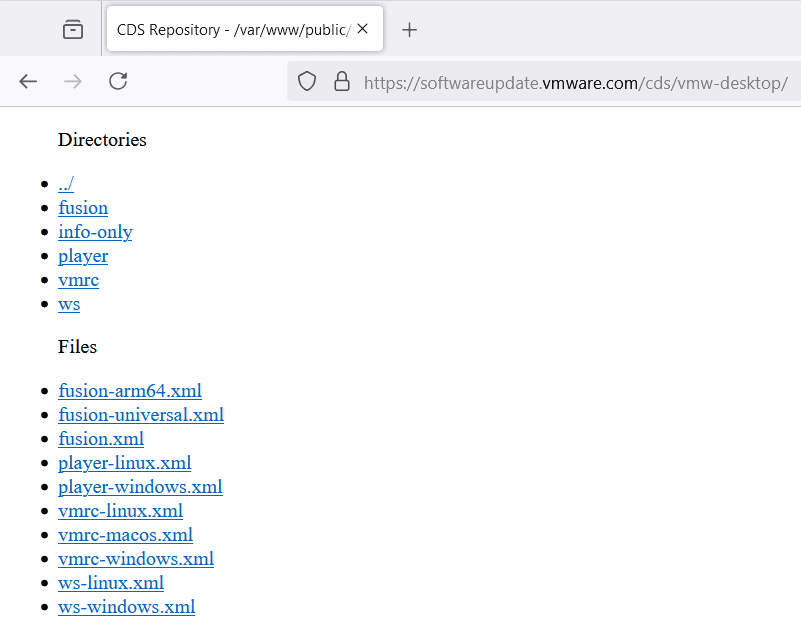
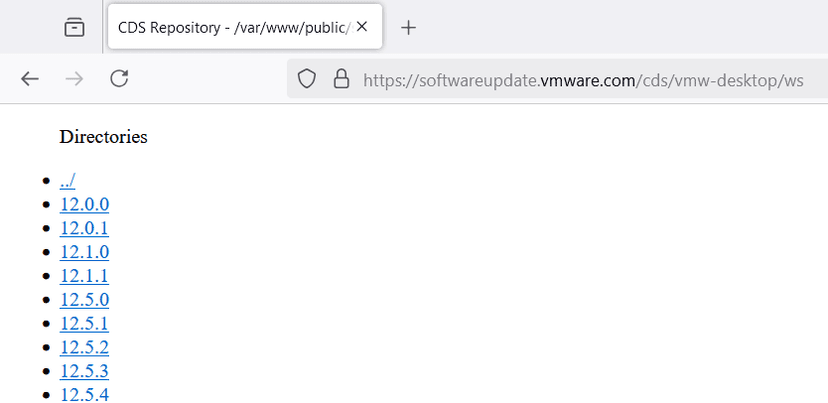
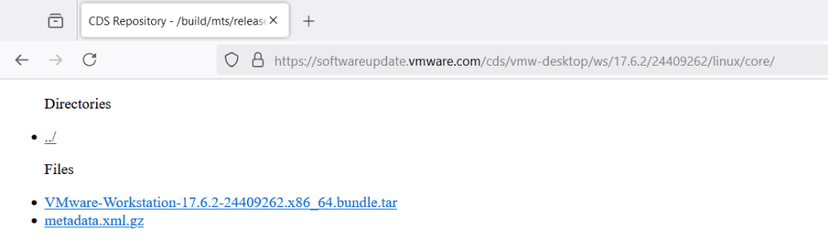
1) Download the latest release of VMware Workstation with wget using the embedded URL provided by the VMware Workstation Help / Software Updates screen

wget https://softwareupdate.vmware.com/cds/vmw-desktop/ws/17.6.2/24409262/linux/core/VMware-Workstation-17.6.2-24409262.x86_64.bundle.tar


2) Extract the install package from tar & install VMware Workstation

sudo ./VMware-Workstation-17.6.2-24409262.x86_64.bundle


3) Validate no issue with the "modconfig" process.

sudo vmware-modconfig --console --install-all
sudo vmware-modconfig --console --install-status


4) Stop and start vmware service.   Verify no error messages.

sudo systemctl stop vmware.service
sudo systemctl start vmware.service
sudo systemctl status vmware.service


5) Attempt to start the GUI of VMware Workstation with the binary 'vmware'
# Assumption(s):
# X11 libraries are installed
#   sudo dnf install xorg-x11-xauth xorg-x11-fonts-\* xorg-x11-utils dbus-x11
# Xterm is available within VNC or SSH tool or similar to view X11 UI
#   ssh session has DISPLAY variable populated.

vmware
vmware startup error message: /lib64/libxcb-shm.so.0: undefined symbol: xcb_send_request_with_fds
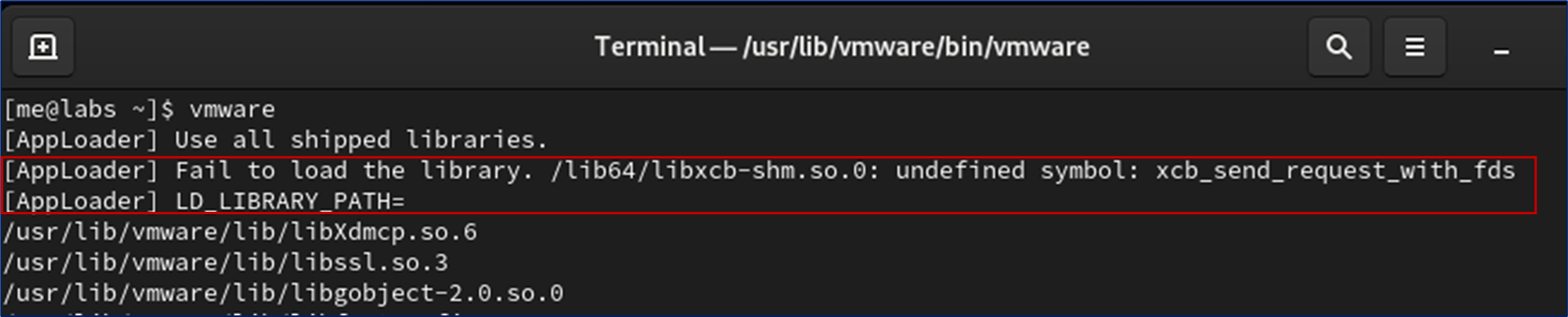
After use with strace -e openat vmware and other trial-n-error steps, we have identified the issue is not with the library file mentioned in the error message "/lib64/libxcb-shm.so.0" but the preceding library file "libxcb" that is referencing this library file. We discovered a conflict with a VMware provided library file and the RHEL 9.5 OS library file. Below are the steps we followed to resolve this issue.
1) Confirm OS library file package is installed for "libxcb"

$ rpm -qa libxcb
libxcb-1.13.1-9.el9.x86_64


2) View both the VMware library file and OS library file for libxcb.


$ file /usr/lib/vmware/lib/libxcb.so.1/libxcb.so.1
/usr/lib/vmware/lib/libxcb.so.1/libxcb.so.1: ELF 64-bit LSB shared object, x86-64, version 1 (SYSV), dynamically linked, BuildID[sha1]=eee92f55158e394bb77038017d22e8c603ddd2fc, stripped


$ file /usr/lib64/libxcb.so.1
/usr/lib64/libxcb.so.1: symbolic link to libxcb.so.1.1.0


$ file /usr/lib64/libxcb.so.1.1.0
/usr/lib64/libxcb.so.1.1.0: ELF 64-bit LSB shared object, x86-64, version 1 (SYSV), dynamically linked, BuildID[sha1]=cdde44211c195a2f0b721e58af2796ababf05caf, stripped


3) Backup the VMware library file, and then create a softlink to the OS library file.

sudo mv /usr/lib/vmware/lib/libxcb.so.1 /usr/lib/vmware/lib/libxcb.so.1.bak

sudo ln -s /usr/lib64/libxcb.so.1 /usr/lib/vmware/lib/libxcb.so.1


4)  Now start vmware at the command line.

vmware

It should now start with no issue.
Below is a view of the current OS & kernel of RHEL 9.5 to compare with your environment.
$ cat /etc/os-release
NAME="Red Hat Enterprise Linux"
VERSION="9.5 (Plow)"
ID="rhel"
ID_LIKE="fedora"
VERSION_ID="9.5"
PLATFORM_ID="platform:el9"
PRETTY_NAME="Red Hat Enterprise Linux 9.5 (Plow)"
ANSI_COLOR="0;31"
LOGO="fedora-logo-icon"
CPE_NAME="cpe:/o:redhat:enterprise_linux:9::baseos"
HOME_URL="https://www.redhat.com/"
DOCUMENTATION_URL="https://access.redhat.com/documentation/en-us/red_hat_enterprise_linux/9"
BUG_REPORT_URL="https://issues.redhat.com/"

REDHAT_BUGZILLA_PRODUCT="Red Hat Enterprise Linux 9"
REDHAT_BUGZILLA_PRODUCT_VERSION=9.5
REDHAT_SUPPORT_PRODUCT="Red Hat Enterprise Linux"
REDHAT_SUPPORT_PRODUCT_VERSION="9.5"

$ uname -r
5.14.0-503.21.1.el9_5.x86_64
Optional: Address the "warning" messages about "<reset-dirs>" fonts and proxy.xml
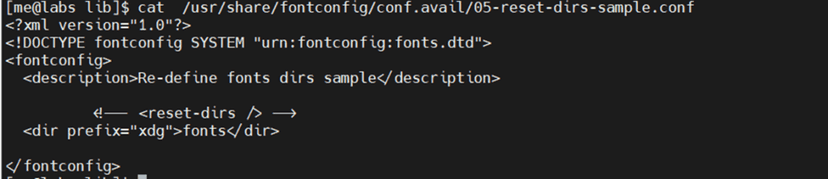
5) Optional: Remove warning message about fonts and proxy.


5a) Create a new file with one line of <xml/> for  proxy.xml

sudo mkdir -p /etc/vmware/hostd

echo "<xml/>" | sudo tee /etc/vmware/hostd/proxy.xml


5b)  Edit the conf file and comment out the line for <reset-dir>

sudo vi  /usr/share/fontconfig/conf.avail/05-reset-dirs-sample.conf
RHEL 9.5 upgrade steps (removed 'lock' of version with -unset switch)
sudo subscription-manager release –unset    [Repo were locked to previous version]
sudo subscription-manager repos --list-enabled
sudo dnf clean all
sudo dnf makecache
sudo dnf update       [This may take 30-60 min]
cat /etc/os-release
reboot
Download software via Help / Software Updates or use the embedded URL directly.